canswim
Developer toolkit for CANSLIM-style investors: CLI, Gradio GUI, and MCP over a local search database.
NOT FINANCIAL OR INVESTMENT ADVICE. USE AT YOUR OWN RISK.
Intro: blog post · Austin Python Meetup video · GitHub repo
Documentation
| Page | Contents |
|---|---|
| CLI | Tasks, recipes, env vars (python -m canswim -h is flag SoT) |
| Gather & forecast | CLI · GUI · MCP shared contract; stocks vs IPOs vs ETFs |
| MCP | Tools, read-only default, MCP_ALLOW_RUNS, Streamable HTTP |
| Deploy as service | User systemd: Tailscale-only GUI + public apikey MCP |
| Data store | Parquet (system of record) vs DuckDB (search/UI) |
This site is built from the main branch docs/ folder. Edit docs on main; Pages redeploys automatically.
Setup
pip install canswim
# or from a checkout
pip install -e ./
conda activate canswim   # recommended for this repo
Local work: keep hfhub_sync=False (default) unless you intentionally sync Hugging Face data. Full forecast path needs market data APIs (e.g. FMP). Default TiDE checkpoint is public on Hugging Face and can be swapped.
Get market data & run forecasts
| Get market data | Run a forecast | Check start date | |
|---|---|---|---|
| CLI | gatherdata --tickers "…" |
forecast --tickers "…" … |
resolve_start |
| GUI | Update market data | Run forecast | Check start date |
| MCP | gather_tickers* |
forecast_tickers* |
resolve_forecast_start |
*MCP write tools need MCP_ALLOW_RUNS=1.
hfhub_sync=False python -m canswim gatherdata --tickers "AAPL, MSFT"
python -m canswim forecast --tickers AAPL --dry_run
python -m canswim dashboard --same_data True
Details: run_triggers.md · cli.md
Dashboard
python -m canswim dashboard --same_data True
| Tab | Purpose |
|---|---|
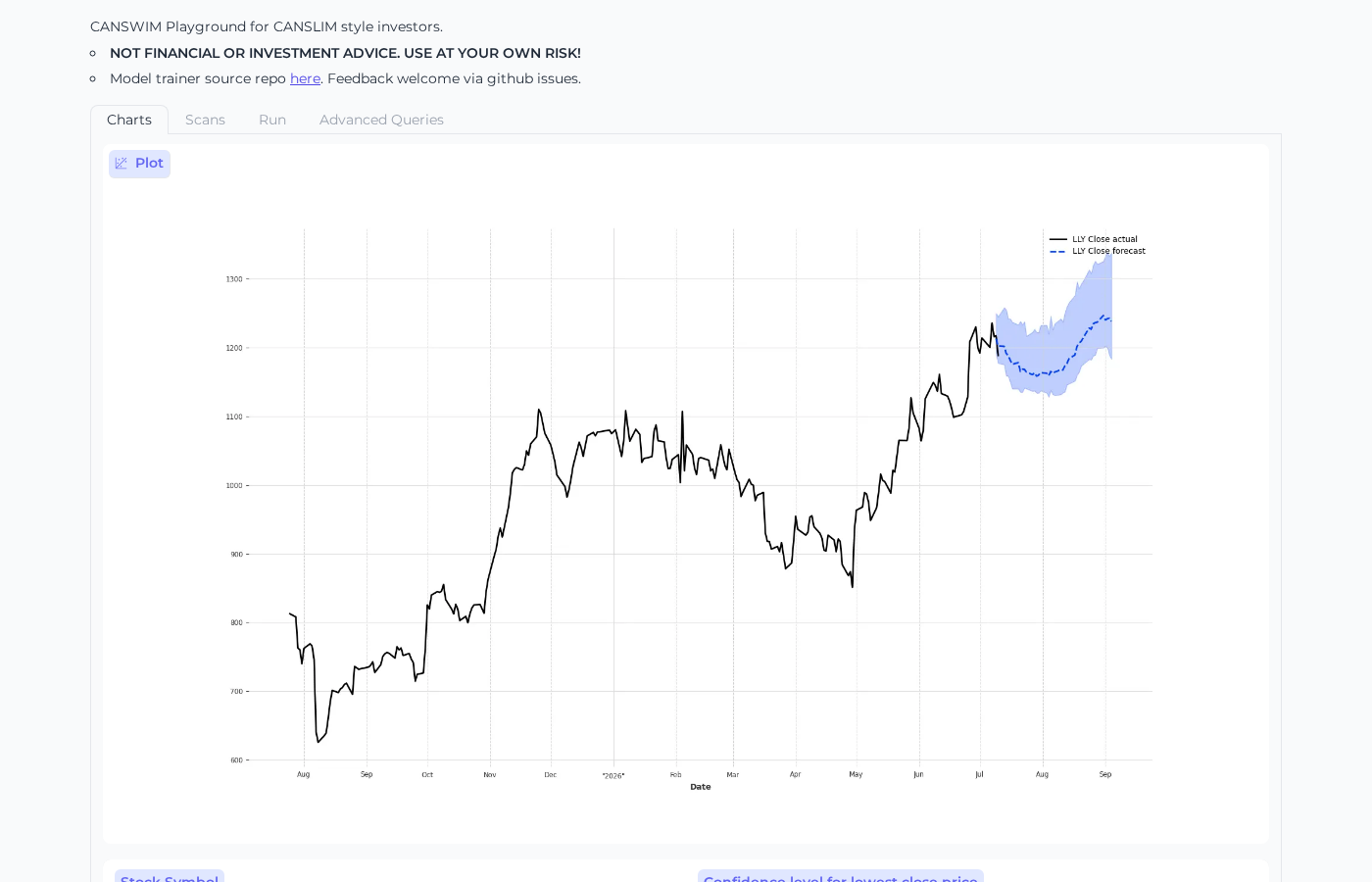
| Charts | Price + forecast bands |
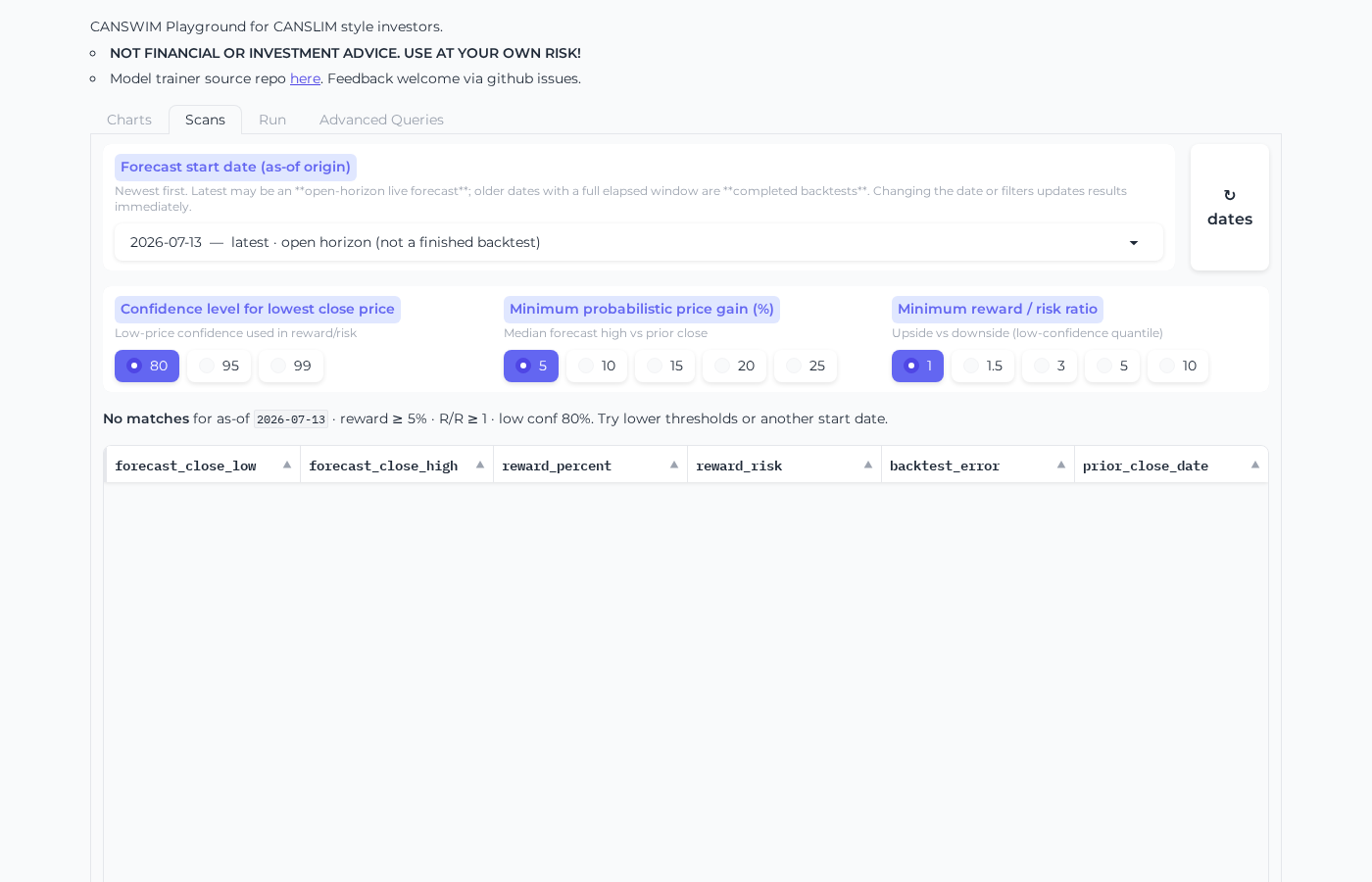
| Scans | Filter by as-of, reward, risk, confidence |
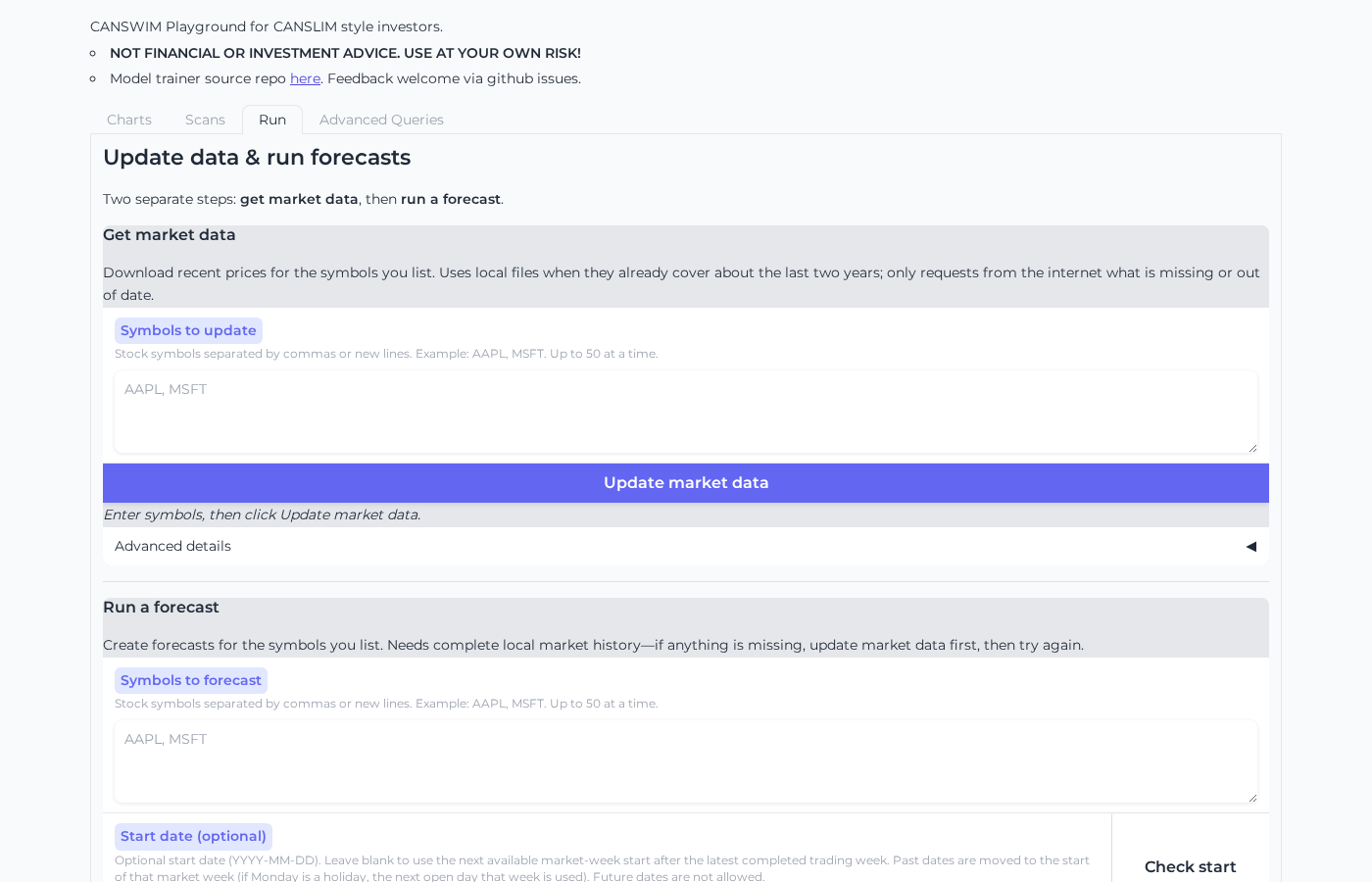
| Run | Update market data / Run forecast / Check start date |
| Advanced | Read-only SQL |
MCP (quick)
python -m canswim mcp
MCP_ALLOW_RUNS=1 python -m canswim mcp
Full guide: mcp.md